
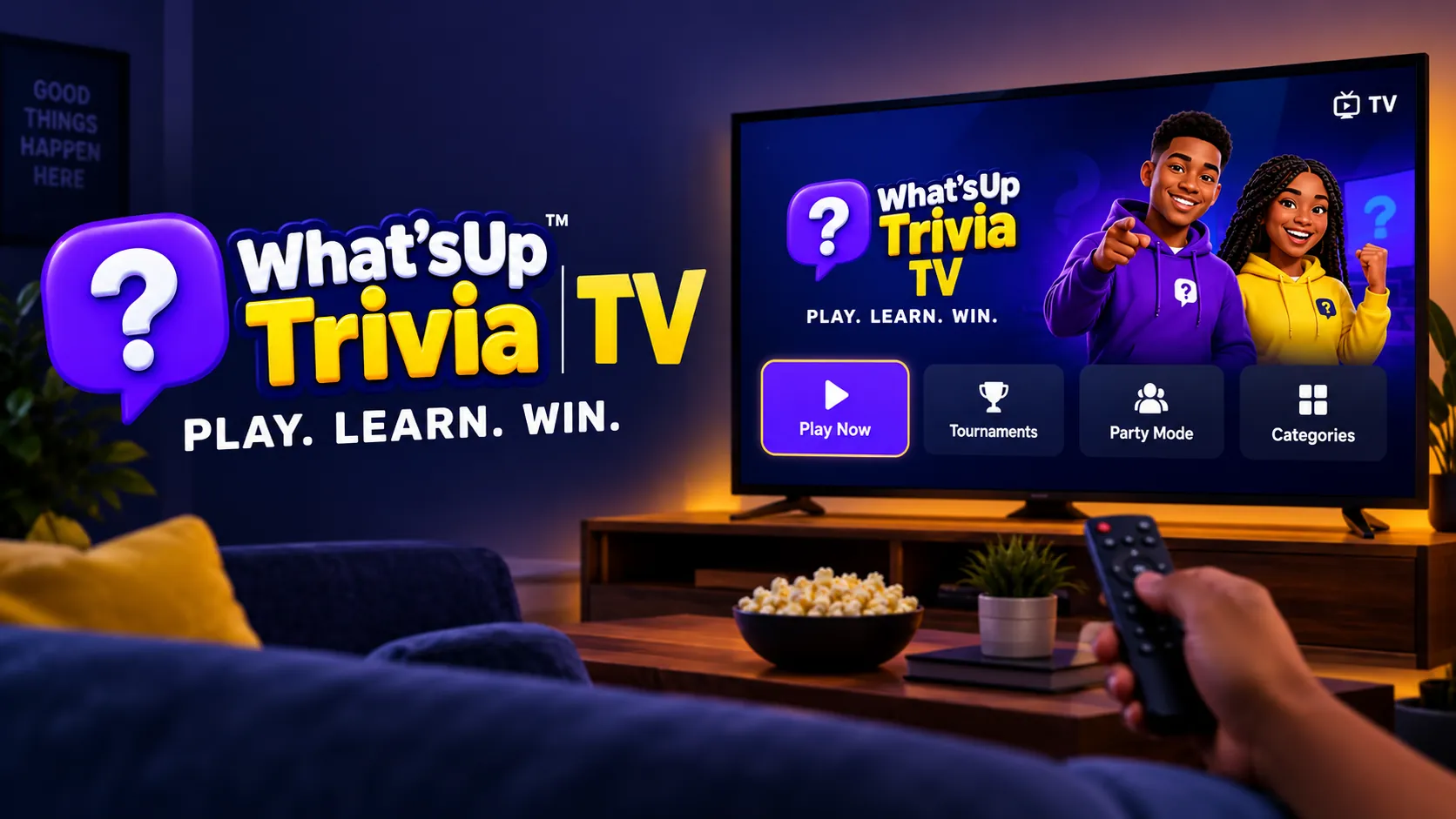
Your living room is now a trivia arena.
What's Up Trivia TV puts the game on the big screen. Play Solo with your remote, or throw a Party where every phone in the room is a controller.
On Android TV and LG webOS TVs. Apps for VIDAA OS and Tizen OS are coming soon.
Solo, or the whole room
Solo
The TV is the screen and your remote is the controller.
- Answer with the coloured buttons, or the number keys 1 to 4
- Keys 5 and 6 are your lifelines
- Every correct answer earns TV points
- Solo is for the fun and the points. There are no cash prizes in Solo
Party
Phones are the controllers. Family, friends, the whole room.
- 2 to 20 players join by scanning the QR code on the TV
- No app and no account to join. Players just enter a name
- The host picks the categories on the TV, and the 15 questions mix across them
- Two styles: Standard, or Race, where the fastest finger wins
- Campaigns from brands add Live Rounds and the Brand Cup
From sofa to showdown in a minute
- Start a Party on the TVOpen What's Up Trivia TV and choose Party.
- Everyone scans the QR codeIt opens play.whatsuptrivia.com.ng/p/ with the Party's 6-digit code. Each player types a name and is in.
- The host sets the gamePick the categories on the TV and choose Standard or Race.
- Answer on your phoneThe question is on the TV, the buttons are in your hand, and the TV shows who got it.
Games from brands, with prizes
Brands run their own games on What's Up Trivia TV, with their own questions, their own look and prizes they pay for. Find them on the Campaigns tile and the banner on your TV's home screen. Campaign games are for signed-in players, so every prize reaches the right person.
Brand games
- Start one on your TV, just like a Party
- The brand sets the questions and the style, Standard or Race
- The first player to type the code on the TV starts the game
Live Rounds
- One round at a set time, on every TV in the area at once
- The same questions, in the same order, on the same clock
- Join before question 1 and see where you placed across your city, state or country
Brand Cup
- Rounds in stages, from the qualifiers to a final
- The top players in each stage go through
- Go through and we email you the date and time of the next stage
Every right answer counts
TV points come from correct answers only, and later questions are worth more.
questions 1 to 5
questions 6 to 10
questions 11 to 15
Sign in on any TV with your web account by scanning a QR code on the screen.
Pick your TV
Install from Google Play
On your TV, open Google Play and search for What's Up Trivia TV, or use the button below.
Open in Google PlayInstall with the Downloader app
The quickest way on most Android TVs. It takes about two minutes.
- On your TV, open Google Play, search for Downloader and install it. It is free.
- Open Downloader, type this code and press Go:
- When the download finishes, choose Install.
- If your TV says it cannot install from this source, choose Settings, switch it on for Downloader, press Back, then choose Install again.
- Choose Open. You will also find What's Up Trivia TV under Apps on your home screen.
Or download it with your TV's browser
- Open whatsuptrivia.com.ng/wut-tv in the browser on your TV.
- Choose Download the app below and wait for it to finish.
- Open the downloaded file and choose Install. If your TV asks, allow the browser to install apps, then choose Install again.
Android TV app file (APK), about 58 MB.
The Android TV download is being prepared
Leave your email and we will tell you the moment it is ready to install.
Install help
- You cannot find Downloader: on some TVs the store is called Apps or Play Store. Search for "Downloader"; the one you want has an orange icon.
- Install does nothing: your TV is blocking apps from outside its store. Open Settings, then Apps, then Security and restrictions, then Install unknown apps, and switch it on for Downloader.
- Your TV warns about the app: that message appears for any app installed outside Google Play. Choose to continue.
- You cannot find the app afterwards: look under Apps, then See all apps, on your TV's home screen.
- Updating: when the TV's home screen says a newer version is available, open Downloader and enter the same code. The new version installs over the old one, and you stay signed in.
- Still stuck? Email hello@whatsuptrivia.com.ng with your TV's make and model.
Install from the LG Content Store
On your LG TV, open the LG Content Store and search for What's Up Trivia TV.
Open the LG Content Store listingComing to the LG Content Store
What's Up Trivia TV for LG webOS TVs is on its way to the LG Content Store. Leave your email and we will tell you when it is there.
Coming soon to VIDAA OS
An app for TVs that run VIDAA OS is coming. Leave your email and we will tell you when it is available.
Coming soon to Tizen OS
An app for TVs that run Tizen OS is coming. Leave your email and we will tell you when it is available.
Not sure what your TV runs?
What's Up Trivia TV is available first on Android TV, Google TV and LG webOS, with VIDAA OS and Tizen OS next. Your TV's system is usually named in its Settings, under About.
If your TV runs something else, tell us which TV you have and we will let you know if it becomes available. In the meantime the full game plays on any smartphone.